How to Convert OGG to MP3 Online
Easily convert your OGG audio files to MP3 format
07. April 2025 by Bianca Palmer
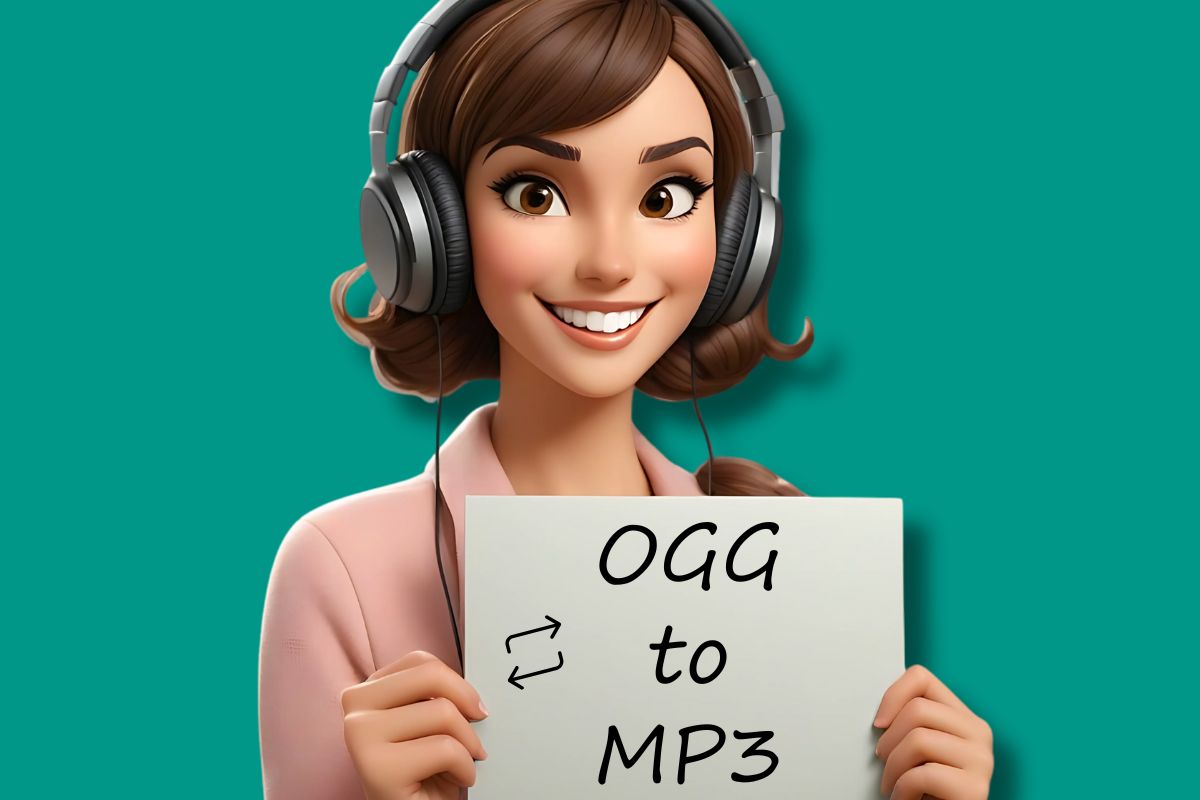
Converting OGG to MP3 is common for better compatibility and flexibility. Audio2Edit offers a user-friendly online tool that simplifies this process and lets you adjust the output to your needs.
What Is OGG?
OGG is an open-source audio format known for efficient compression and high-quality sound. Despite its advantages, not all devices and media players support OGG files, which can limit their usability.
Why Convert OGG to MP3?
MP3 is the most widely accepted audio format, compatible with virtually all devices and platforms. Converting OGG files to MP3 ensures your audio can be played across different media players and devices. Plus, MP3 files are often smaller, making them easier to store and share.
How to Convert OGG to MP3 Online?
Audio2Edit's OGG to MP3 converter is simple and efficient.
Here is how to convert your files:
- Upload Your OGG File: Go to the Audio2Edit website and select the OGG file you want to convert.
- Customize Optional Settings: Adjust settings such as audio frequency, quality, bitrate, and channels to match your preferences.
- Start the Conversion: Click "START" to begin the conversion.
- Download the MP3 File: When the conversion is finished, download your new MP3 file.
Benefits of Using Audio2Edit's Online Converter
- No Software Installation: Convert files directly in your browser without installing additional software.
- User-Friendly Interface: The simple design makes the tool easy to use.
- Customization Options: Adjust various settings to tailor the output to your needs.
In Conclusion
Converting OGG files to MP3 makes them more accessible and compatible across platforms. Audio2Edit's online converter offers a convenient and customizable way to do this in just a few clicks.
Expand Your Audio Conversion Options with Audio2Edit
While converting OGG to MP3 is a common task, Audio2Edit offers a versatile set of tools that goes beyond this single function. When you need to convert different audio formats or improve your audio files, Audio2Edit provides a complete set of tools to support your work.
Convert Between Multiple Audio Formats
Audio2Edit's platform supports many audio formats, letting you convert files to and from formats such as WAV, M4A, FLAC, and more.
This flexibility helps ensure compatibility across different devices and apps, making it easier to manage your audio content. For example, you can convert MP3 files to OGG or OGG to MP3, depending on your needs.
Enhance and Improve Audio Quality
Beyond format conversion, Audio2Edit also includes tools to improve the quality of your audio files:
- Normalize Audio: This feature sets the volume of your audio tracks to a consistent level, ensuring a balanced listening experience across all your files.
- Volume booster: If you have recordings that are too quiet, the Volume Booster can increase the volume without distorting the sound, making your audio clearer and easier to hear.
Use AI-Powered Tools
Using artificial intelligence, Audio2Edit provides AI-based features that support your audio projects:
- Text to Speech: This tool converts written text into spoken audio, so you can create voiceovers or narrated content quickly.
- Speech to Text: Ideal for transcribing interviews, lectures, or podcasts, this feature converts spoken words into written text to streamline your workflow and save time.
With Audio2Edit's complete set of tools, you can manage, convert, and enhance your audio files efficiently so they match your requirements and maintain high quality.